


If your organisation is still running SharePoint 2019, it’s time to start planning ahead. Microsoft has officially announced that SharePoint 2019 will reach end-of-life (EOL) on the 14th July 2026. That means no more security updates, technical support, or new features.
The good news? Moving to SharePoint Online not only keeps you secure and compliant, but it also unlocks a whole new set of tools and experiences your users will love. From simpler IT management to AI-powered productivity with Copilot, upgrading is a big win for both your IT team and your staff.
Here are 7 reasons why your users will thank you for moving to SharePoint Online
#1 Easier infrastructure management
Running SharePoint 2019 on-premises means your IT team must handle updates, patches, and server maintenance.
With SharePoint Online, Microsoft takes care of all of that for you. There will be no more downtime for updates or chasing patches; just a system that is always up to date. Your IT team can finally spend time on projects that actually drive value, not just maintenance.
#2 Seamless integration with Microsoft 365 applications
SharePoint Online is tightly integrated with Microsoft 365 tools like Teams, Outlook, OneDrive, Power Automate, and Power Apps.
Want to launch a new team site that automatically connects to a Microsoft Teams channel? Easy. Want to automate document approvals? Done. Want to simplify information management and compliance at scale? We can make it effortless. Need to build a simple app to streamline a manual process? You don’t even need code.
It all just works together, saving time and making collaboration smoother.
#3 Modern sites, lists and libraries
Forget clunky, outdated portals. With SharePoint Online, your team gets modern sites, lists, and document libraries that are fast, responsive, and customisable.
Co-author documents in real time, share files securely, and access content from anywhere, on any device. It’s like giving your intranet a fresh coat of paint and a serious usability upgrade.
#4 Intranet in your pocket
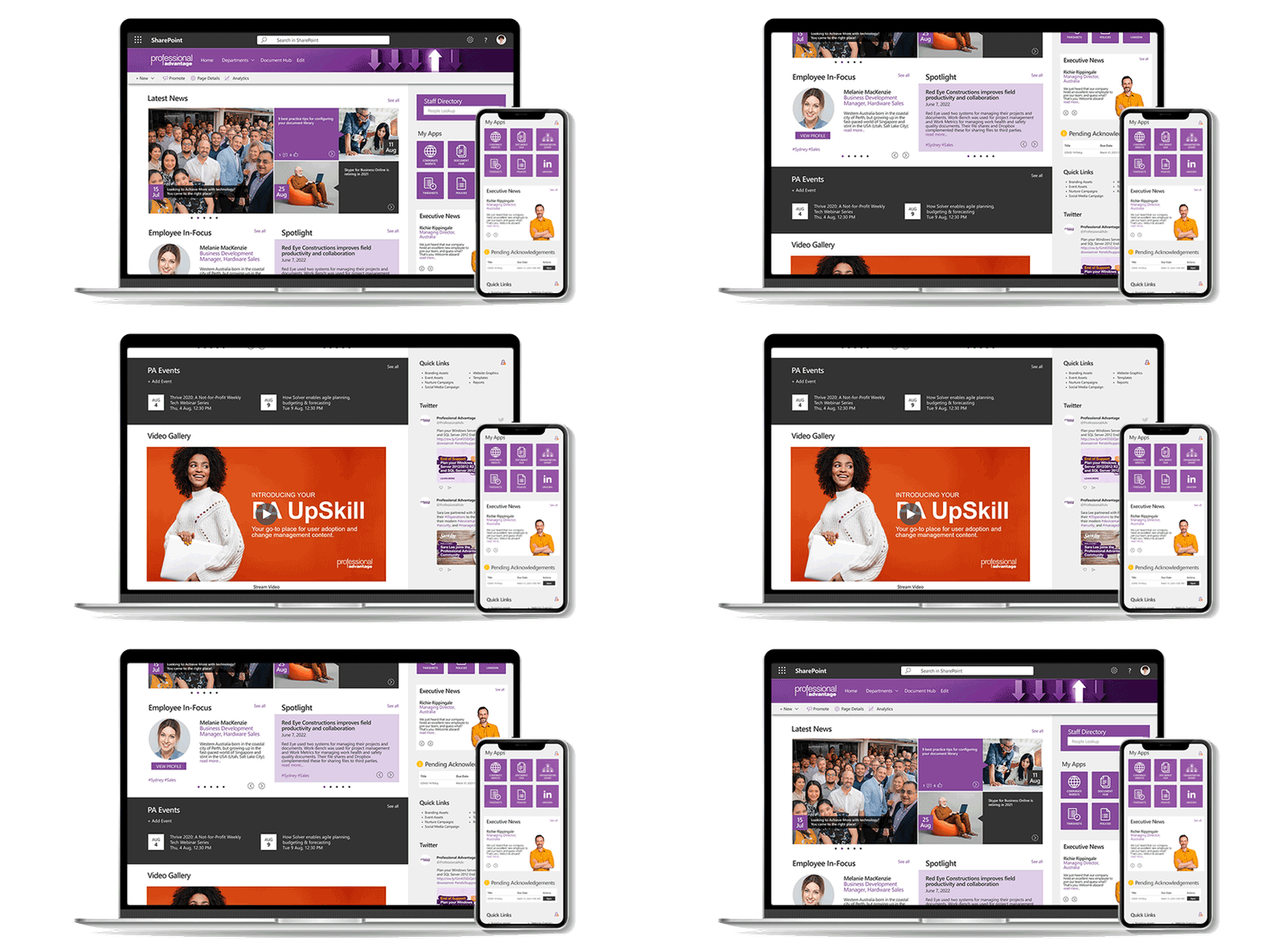
With the SharePoint mobile app, your intranet is always at your fingertips.
Need to check a policy, read company news, or access a shared file while on the go? You can do it right from your phone, whether on iOS or Android. And when paired with Teams and OneDrive, it creates a truly connected workplace, no matter where you are.
#5 Smoother, smarter user experience
Users want tools that work, and SharePoint Online delivers. With drag-and-drop uploads, improved search, version control, and real-time co-authoring, your staff spend less time searching and more time collaborating. The modern interface is cleaner and faster, making it easier for people to actually enjoy using the platform.
#6 Built-in enterprise-level security
Cybersecurity is one of the most significant risks for organisations that are still running on older versions of SharePoint.
With SharePoint Online, you are protected by Microsoft’s enterprise-grade security. Think data encryption, advanced threat protection, multi-factor authentication, role-based access controls, and data loss prevention. You can relax knowing your sensitive information and intranet are safe, even across various devices and remote work setups.
#7 AI and Copilot-powered productivity
This is where things get exciting. By moving to SharePoint Online, you also unlock Microsoft Copilot, your AI assistant across Microsoft 365. Imagine being able to:
- Summarise long reports in seconds.
- Quickly find exactly the file or update you need.
- Draft content or create meeting recaps instantly.
- Automate repetitive tasks without lifting a finger.
Copilot works directly in SharePoint and across your other apps, helping your team focus on what matters most instead of getting bogged down in admin work.
Wrapping it up
The countdown to 2026 has already started. Migrating from SharePoint 2019 to SharePoint Online keeps your organisation secure and compliant. It also gives your people better tools, better experiences, and smarter ways to work with AI.
As a long-time Microsoft Solutions Partner, Professional Advantage has helped countless organisations successfully plan and deliver their SharePoint migrations. From mapping out your information architecture, ensuring a smooth transition, and unlocking new possibilities with Microsoft 365 and Copilot, we will ensure you get the most value out of your move to the cloud.
Ready to explore your options? Book your free 30-minute consultation with one of our experts today.



Write a Comment